%20(19).png)

.svg)
Apple Pay and Google Pay are live on Packsify
.png)
.png)
.png)
.png)
.png)
.png)
.png)
.png)
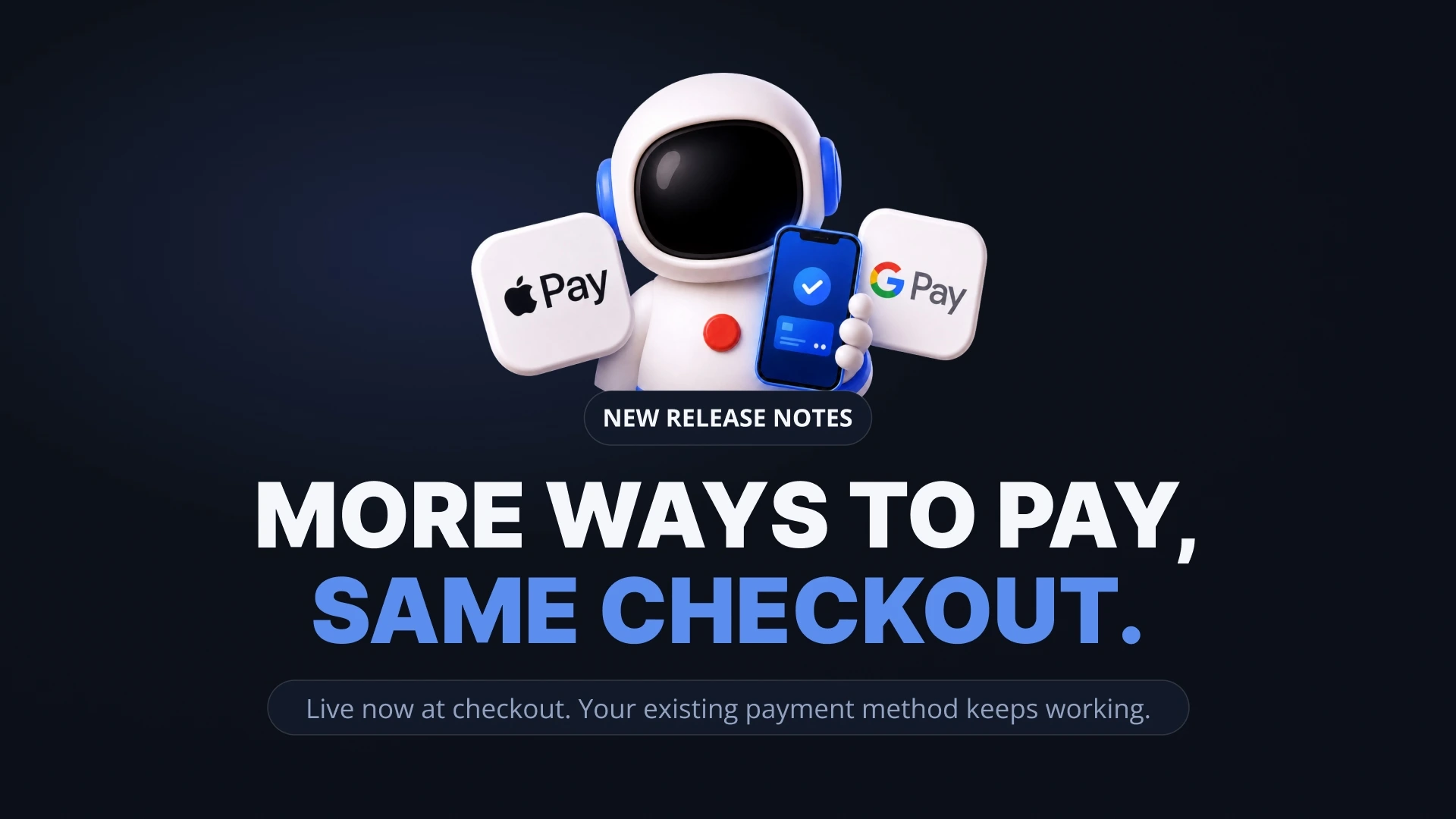
Packsify Web now supports Apple Pay and Google Pay at checkout, alongside your existing payment options.
This has been one of the most requested features from the community. A lot of you have told us that Apple Pay and Google Pay are how you prefer to pay for everything else, and having to pull out a card or set up a separate payment method just for top-ups added friction that didn't need to be there. This update removes that friction.
Here's what changed, what each payment method costs, and how to pick the one that fits your setup.
What changed...
Checkout on the Packsify website now includes Apple Pay and Google Pay as one-tap payment options. If your device supports them, they'll appear automatically at checkout. No setup required on the Packsify side — if you've already configured Apple Pay or Google Pay on your phone, tablet, or browser, it works immediately.
We've also rolled out a new adaptive billing address step. Instead of a one-size-fits-all address form, the checkout now tailors the address fields to your country. This adds stronger fraud protection for every transaction without adding unnecessary steps for legitimate customers. For most users, the checkout is actually faster than before.
The total you see before confirming is the total you pay. No hidden fees added after the fact. No surprises on your bank statement.
Every payment method Packsify currently supports
With Apple Pay and Google Pay added, here's the full picture of what's available at checkout and what each method costs on the Packsify side:
Revolut at 0% fee. Often lower bank and FX costs compared to standard cards. If Revolut is available in your country, this remains one of the most cost-efficient ways to pay. Your bank may still apply its own FX charges, but Revolut's rates are typically much closer to the real exchange rate than traditional banks.
Stablecoins (USDT / USDC on TRC20) at low network fees. No FX conversion if you're already holding dollar-pegged stablecoins. This is the cleanest option for players outside Europe and North America who want to avoid cross-border card fees entirely.
Apple Pay — Processing fee applies (shown at checkout). Uses whatever card you have linked in your Apple Wallet. Fast, one-tap checkout. Keep in mind that the underlying card's FX and international transaction fees still apply. Apple Pay is a faster way to use your card, but it doesn't change what your bank charges.
Google Pay — Processing fee applies (shown at checkout). Same principle as Apple Pay: it uses your linked card or bank account. One-tap convenience, but the bank-side fees on the underlying payment method still apply.
Stripe (Visa, Mastercard, Amex) — Processing fee applies (shown as a line item at checkout). The standard card payment option. Widely available, works with most cards globally. Your bank may apply FX markup and international transaction fees on top of the Packsify processing fee.
If you want a detailed breakdown of how payment method choice affects your total cost, especially at $1,000+/month, that guide walks through the full stack of visible and hidden fees across each option.
Which payment method is right for your setup
The best method depends on where you are and how much you're investing monthly.
If Revolut is available in your country and you're investing $1,000+/month, it's the most cost-efficient option. Zero fees and significantly reduced bank-side costs. The initial setup takes a few minutes, but it pays for itself on the first order.
If you're outside Revolut's coverage and want the lowest possible fees, stablecoins on TRC20 are the global alternative. There's a small learning curve if you haven't used crypto before, but the setup guide walks through it step by step.
If none of the above apply, standard card payment through Stripe works with most cards worldwide. The processing fee is shown at checkout as a separate line item so you always know exactly what you're paying on the Packsify side.
Same structure, faster checkout...
Nothing changes about how Packsify works under the hood. Every order still routes through official app stores using bulk gift card balance from vetted suppliers. Your account is handled by trained human operators following the same process regardless of how you pay. The developer still receives full listed price on every purchase. Apple Pay and Google Pay change how you check out, and not how your order is fulfilled.
What about the Packsify app?
Android app support for Apple Pay and Google Pay is in progress. We're finishing the required review process and will announce the moment it's live. No firm date yet, but it's close. When it launches, it'll work the same way: if your device supports it, the option appears automatically at checkout.